
Your family tree, built together by your family
Add your parents and children, and invite your relatives with a WhatsApp link to complete their branches. Privacy first, and in Arabic, from the Gulf to the Maghreb.
- App StoreComing soon
- Google PlayComing soon

How it works
Start your tree
Create your family's tree, choose the naming style that suits you, then add your parents, siblings and children.
Invite relatives with a WhatsApp link
Send each relative an invitation tied to their place in the tree. You can lock it to them, so no one else can accept it, even if it's forwarded in the family group.
Grow it together
Each relative completes their own branch. Sensitive changes arrive as suggestions for the tree's admins to review, and every change is kept in a history that can be undone.
Built for Arab families
Arab families name themselves and trace their lineage in different ways, so the app was built to fit them all.
Names the way you write them
Gulf, Levant, Egypt and Maghreb naming styles: given name, father's and grandfather's names, family name or laqab, tribe and kunya. Fields show or hide to match your family's style.
Sulaiman bin Abdullah Al Ufuq, Abu Ahmed
Several wives, half-siblings shown clearly
Each wife has her own branch with her children and a small number for the order of marriage, so paternal and maternal half-siblings each sit in their place.
Hijri and Gregorian
Record a date in the calendar you know, even an approximate year.
around 1370 AH
Search that understands Arabic
«عبد الله» and «عبدالله» are one name, hamzas and diacritics don't throw it off, and words like «بن» and «آل» don't get in the way. Latin spelling works too.
Paternal and maternal lines
Both your father's and your mother's ancestors are shown, and paternal and maternal half-siblings are placed with a clear badge.
Arabic first
Every screen right to left, with Arabic or Western digits as you prefer, and English for those who need it.
Three looks for your tree
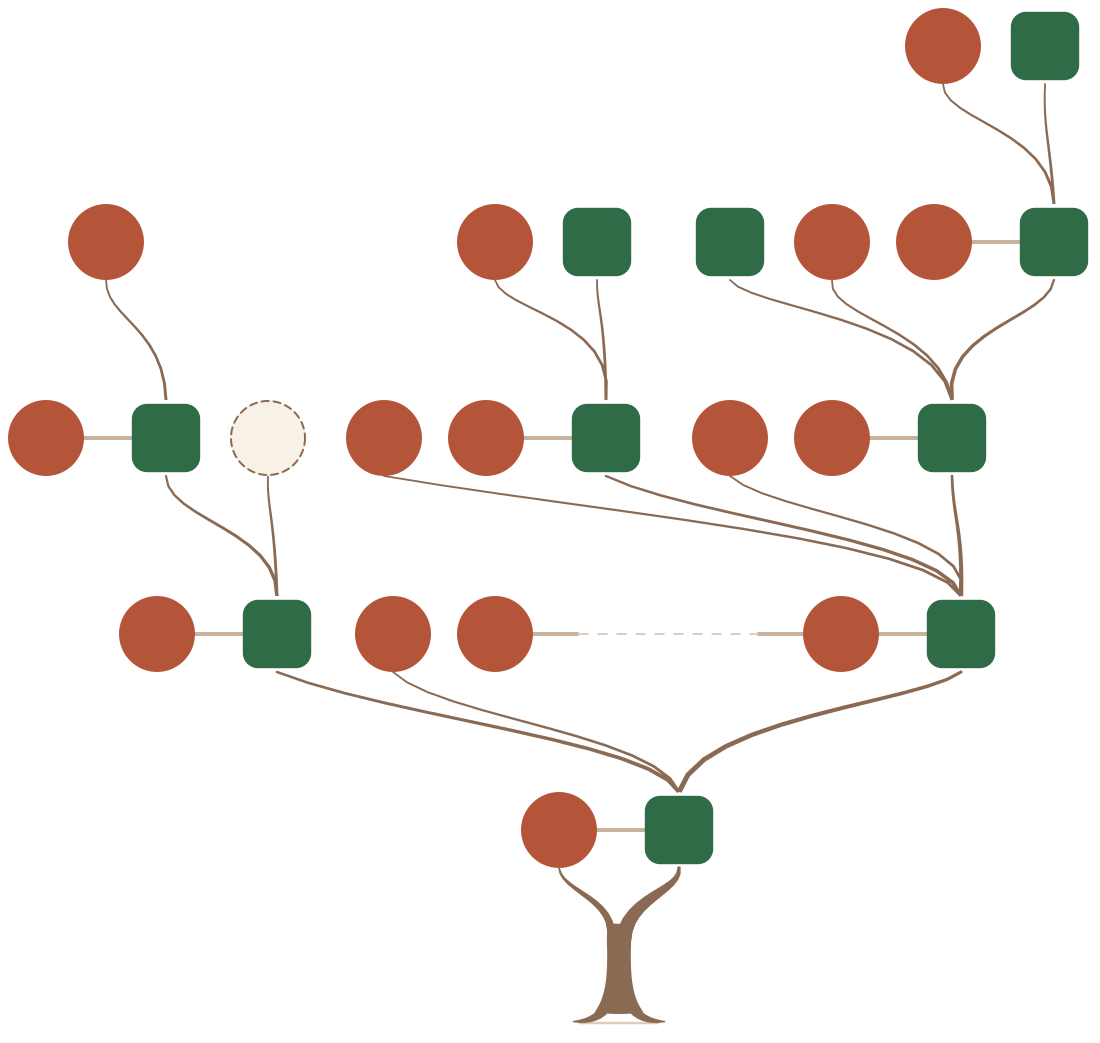
The same family, shown the way you like: clear cards for arranging the tree, or a drawn tree for showing and sharing.
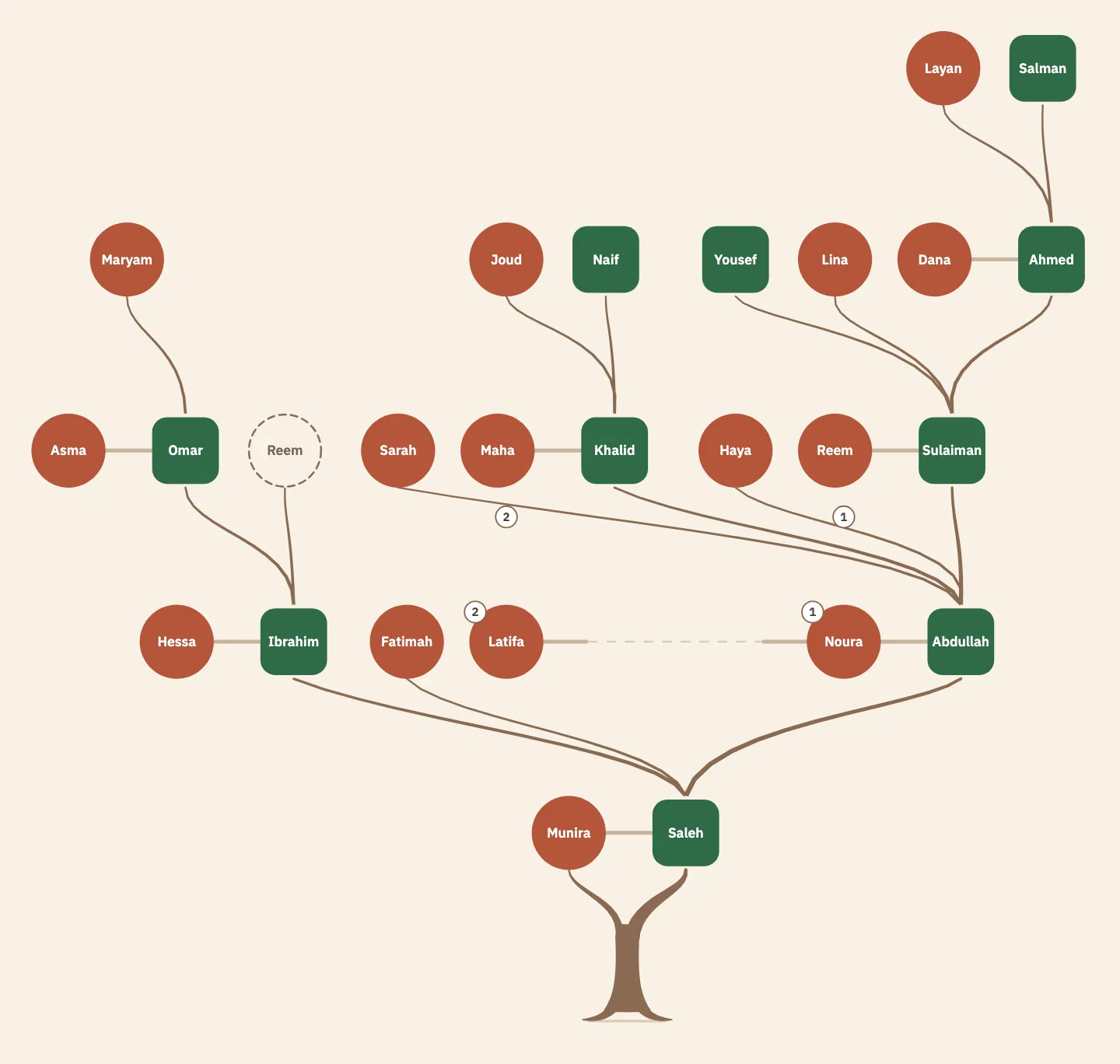
FlatClear circles and squares, a calm trunk and roots. 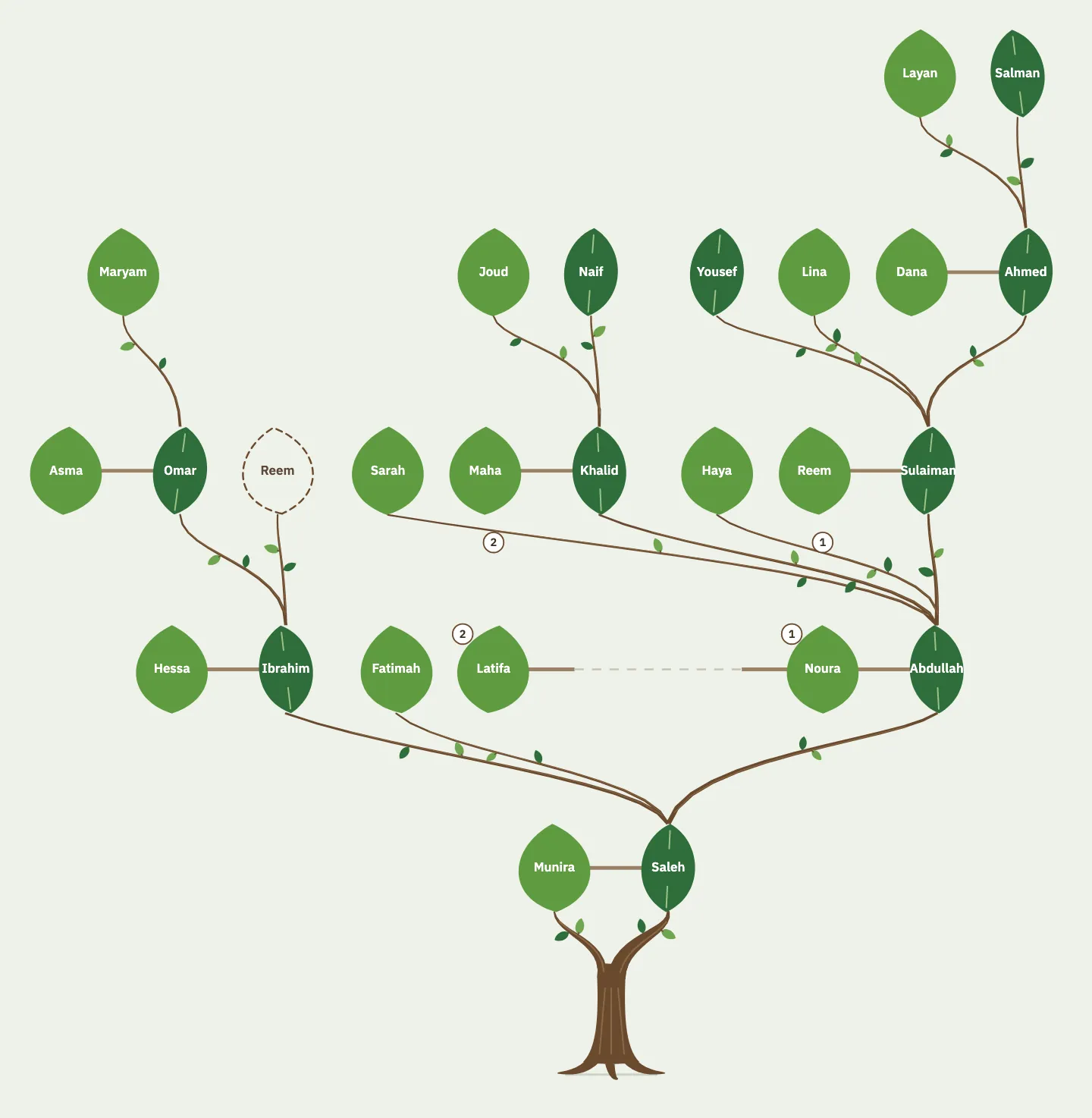
ClassicLeaves on brown branches, a trunk with bark and roots. 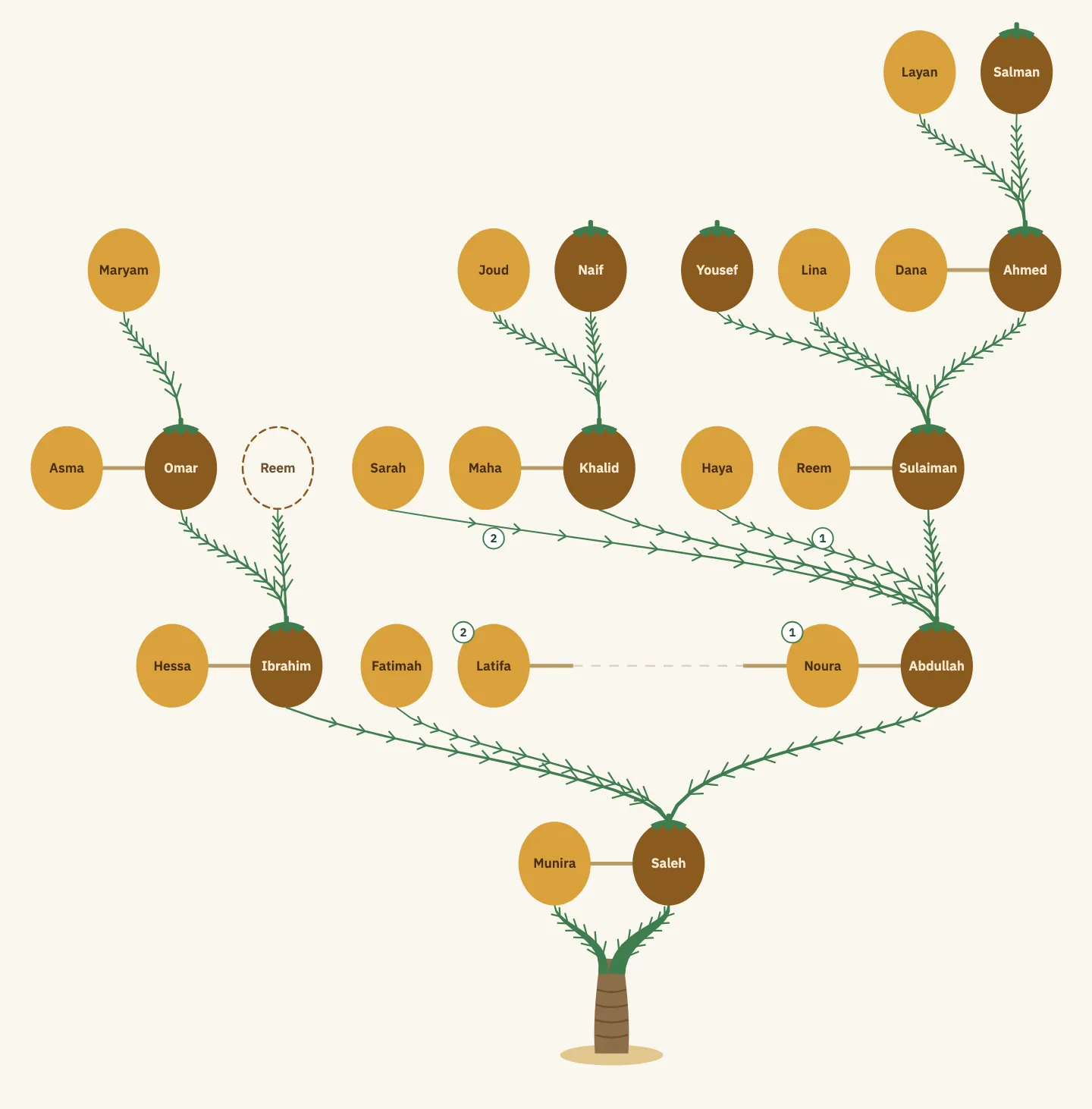
PalmA ringed palm trunk, with dates on green fronds.


In every look, men and women are told apart by shape, not by color alone.
Your privacy, in your hands
A family's data is held in trust. The defaults are careful, and you decide what shows.
You choose what family members see
Photo, phone number, birth date, even the full name: each has its own setting. Only the tree's admins and the person see a phone number, unless the person chooses otherwise.
View-only links
Share the tree with a view-only link that expires on its own and can be revoked at any time. Living people show by first name only unless chosen otherwise, and their dates, photos and numbers never show.
Delete your account whenever you want
From inside the app, and it happens immediately. For each card linked to you, you choose to keep your name on it or remove all your details.
No ads over the tree
The tree is the family's space: no ads ever appear over it.
For large families
The tree opens on you and the people around you, then widens one branch at a time. Thousands of people, without getting lost.
A view that starts with you
Your parents, siblings, spouse, children and grandchildren, and your grandparents on both your father's and your mother's side.
Open and close branches
Every folded family has a badge with how many people it holds; open it one generation at a time.
Admin approvals
Join requests and sensitive changes go through the tree's admins, and no one approves their own suggestion.

Questions
Is it free?
Yes. The app is free with calm ads kept away from the tree, and an optional subscription removes them. The subscription price will be announced at launch.
Who can see my tree?
Only the tree's members, each according to their role and the privacy settings. The tree never appears in search engines, and no one else sees it unless an admin creates a view-only link, which expires on its own.
Can I delete my data?
Yes. Delete your account from the settings at any time, and it happens immediately. You can also ask for it without the app, from the account deletion page.
Does it work in every Arab country?
It was designed for families across the Arab world: Gulf, Levant, Egypt and Maghreb naming styles, and both the Hijri and Gregorian calendars. It launches in Saudi Arabia first, then widens.
Can several people edit?
Yes, that's the idea: one tree for the family, built together by its members. Editors add and edit, admins review sensitive changes, and every change is kept in the history.
Is my phone number shown?
The email you sign in with is never shown to anyone. If you add a number to your card, only the tree's admins see it, unless you choose to show it to all members or hide it from everyone.
Start your family tree
The app is coming soon to the App Store and Google Play.
- App StoreComing soon
- Google PlayComing soon